How to Use CoolNickname
Last updated: November 8, 2026
This page explains how to use CoolNickname: type a name on the home page or open a topic page, then tap to copy. A name looks wrong? Tell us on the contact page. Updated November 10, 2026.
Find the right page
Start on the home page; the menu lists the topics. Type a name into the generator to see it in many styles, or open a topic page such as Urdu stylish names for TikTok to browse ready-made styles. Every style has its own copy button and no sign-up is needed.

What each page does
The table lists the main kinds of page on the site by page, what you choose and what you get. Name pages such as /yadav show styles for one specific name, while topic pages group styles by theme.
| Page | What you choose | What you get |
|---|---|---|
| Home | Type a name | The name in many styles, each with a copy button |
| Urdu stylish name for TikTok | A topic and a style | Ready-made Urdu styles to copy |
| Name page | One specific name | Styles, meaning and fonts for that name |
| Report a nickname | A nickname that should be removed | A report the team reviews |
Copy and paste the result
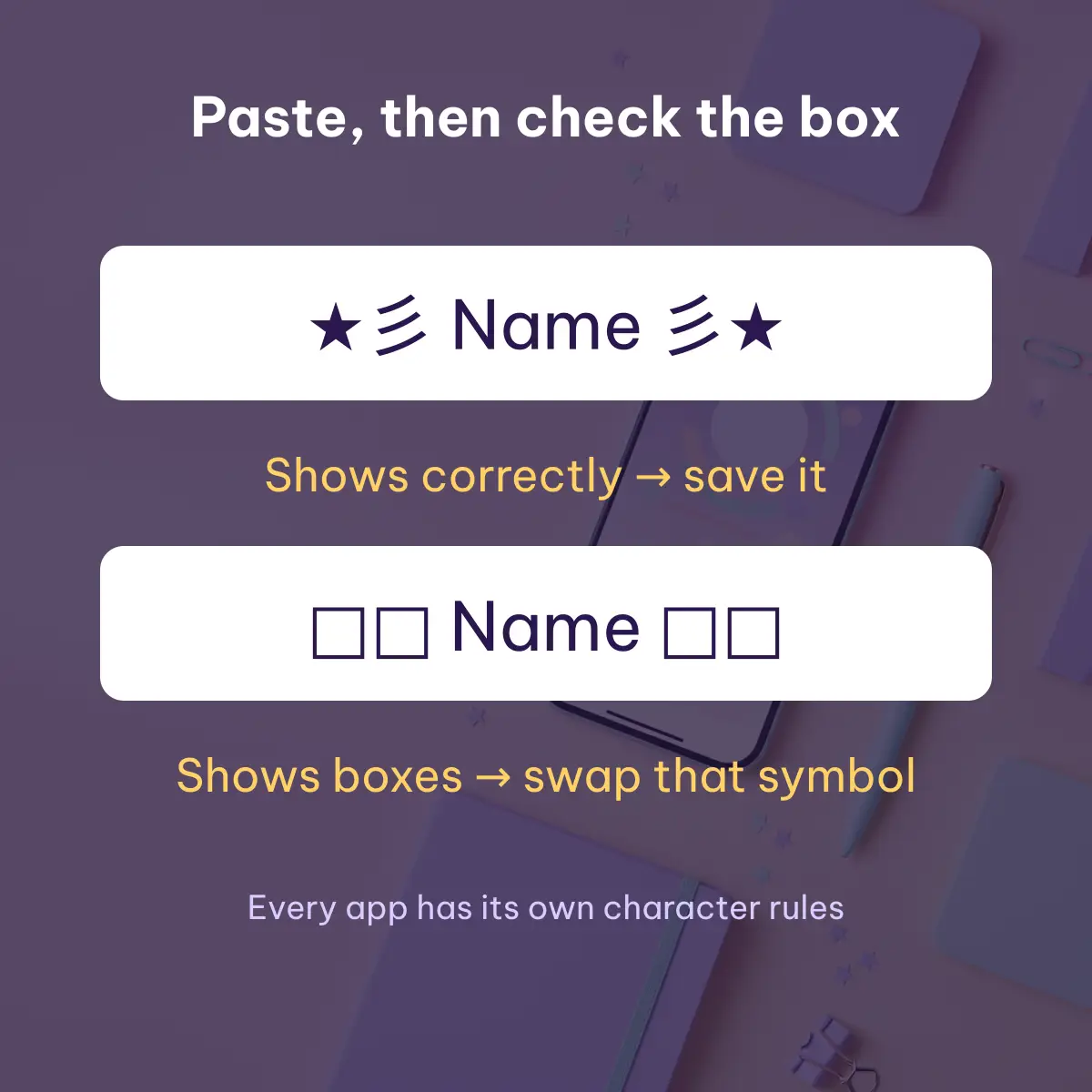
Tap to copy, then paste into your profile or game. Some characters show as boxes on older devices or are removed by an app, so paste the name into the field first and check how it looks before saving. Each app has its own character rules, and the name can be styled again if one symbol does not display.
Frames people copy most: ꧁ ꧂ ༺ ༻ ★ ☆ ♡ ✦ ✧ ❀ ✿ ☾ ♛ ❥ ⋆ ʚ ɞ, and full sets such as ꧁༺Name༻꧂ ★彡Name彡★ ♛Name♛ ✦•Name•✦ ❀Name❀ ➳Name☾ ⚝Name⚝ ♡Name♡ ❥Name❥ ☆Name☆.